A Beginner’s Guide to Setting Up a Smart Home
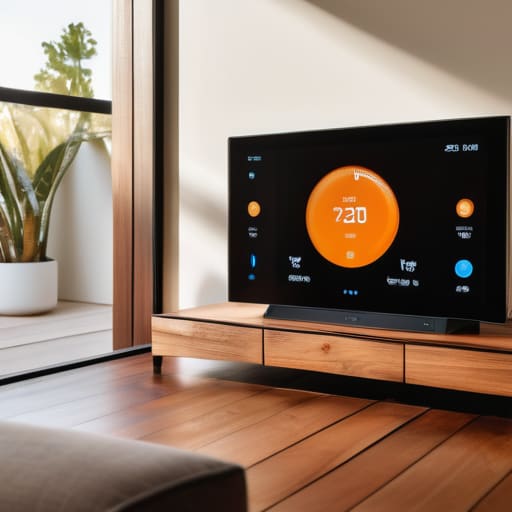
I’m going to say something that might annoy the tech enthusiasts: you do not need a fully integrated, voice-activated ecosystem that costs more than your monthly rent just to call it a “smart home.” I’ve seen so many people dive into a smart home for beginners setup only to end up with a dozen different apps, conflicting hubs, and a living room that feels more like a server farm than a place to relax. If your “automated” lights require a twenty-minute troubleshooting session just because your Wi-Fi blinked, that’s not a smart home—that’s just extra chores.
My goal here isn’t to help you build a high-tech fortress; it’s to help you find a few small, reliable wins that actually reduce your mental load. I’m going to walk you through the low-friction tools that actually work when you’re too tired to think, from simple smart plugs to basic lighting routines. This isn’t about chasing every shiny new gadget on the market; it’s about building a system that serves you, rather than you serving the technology.
Finding the Best Smart Devices for Beginners Without the Overwhelm
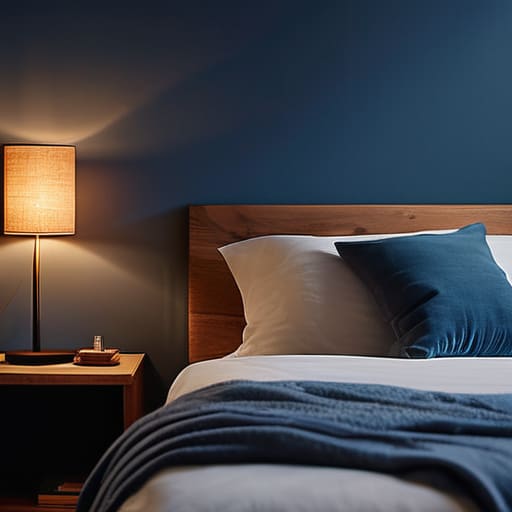
The biggest mistake I see people make is trying to buy everything at once because a flashy commercial told them to. You don’t need a house that talks back to you; you just need things that solve actual problems. When I started, I didn’t go for complex security arrays; I looked for beginner friendly smart lighting that could dim automatically when I was winding down for bed. Start with one category—like lighting or plugs—and see how it actually fits into your routine.
Before you hit “add to cart,” you need to do a quick smart home ecosystem comparison. It sounds technical, but it’s really just deciding if you want everything to play nice with your iPhone or your Android. If you buy a lightbulb that won’t talk to your existing smart speaker, you haven’t built a system; you’ve just bought a more expensive way to be frustrated. Pick a “language” first, then build from there. This keeps the setup from becoming a second job you didn’t ask for.
A Low Stakes Smart Home Ecosystem Comparison for Real Life
When you start looking into a smart home ecosystem comparison, it’s easy to feel like you’re being sold a lifestyle you don’t actually have the bandwidth for. You don’t need a house that talks back to you; you just need things that work. If you’re leaning toward ease of use, Apple HomeKit is great if you’re already deep in the iPhone ecosystem, but it can be a bit picky about which devices it allows. On the other hand, Amazon Alexa and Google Home are much more forgiving. They offer a wider range of beginner friendly smart lighting and plugs that won’t break the bank, making them much easier to scale as you go.
The real goal isn’t to own every gadget on the market, but to pick a “brain” for your house that feels intuitive. Setting up a smart home hub shouldn’t feel like a second job. I usually recommend starting with a single platform—pick one and stick to it for a few months. It prevents that annoying friction where your lights work with one app but your thermostat requires another. Once you have one reliable system, you can slowly add more layers without the headache.
Five Low-Friction Ways to Start Without Losing Your Mind
- Don’t buy everything at once. Pick one specific annoyance—like fumbling for light switches in the dark or forgetting to turn off the coffee pot—and solve just that. It keeps the “project” from feeling like a second job.
- Stick to one ecosystem for your first few devices. If you start mixing too many different apps and platforms right away, you’ll end up with a phone full of notifications and a brain full of confusion. Pick one (like Alexa or Google Home) and let it be your single source of truth.
- Prioritize smart plugs over smart appliances. You don’t need a $3,000 smart fridge; you just need a $15 smart plug to make your existing lamp or fan controllable from your phone. It’s the cheapest way to feel like you’re living in the future.
- If it requires a complex setup process, skip it. If a device’s manual looks like a novel, it’s probably going to sit in a box in your closet gathering dust. Aim for “plug and play” so you actually use the tech instead of just managing it.
- Always keep a manual fallback. The worst feeling is being stuck in the dark because your Wi-Fi decided to take a nap. Make sure your smart lights still work with a physical switch, or you’ll quickly find yourself hating the very system meant to make your life easier.
The Low-Stress Cheat Sheet
Don’t try to automate your entire life in one weekend; start with one “friction point”—like a smart plug for your coffee maker or a single light bulb—and see if it actually makes your morning easier.
Pick an ecosystem (Apple, Google, or Alexa) based on what’s already in your pocket or on your counter, because adding a second platform just creates more digital clutter to manage.
Focus on “set it and forget it” devices rather than complex gadgets that require constant troubleshooting, because a smart home isn’t worth it if you end up spending your evening fixing it.
Start Small, Stay Sane
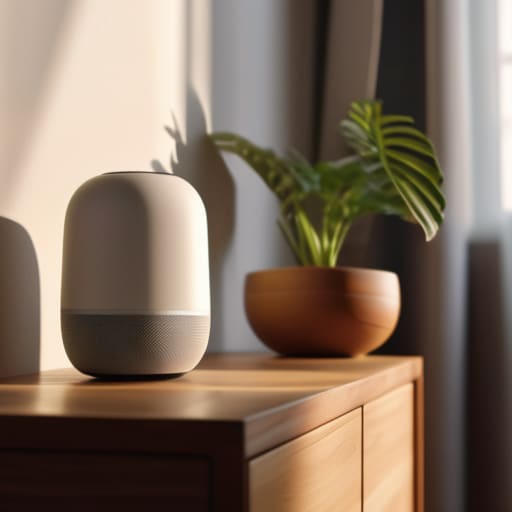
At the end of the day, building a smart home isn’t about turning your apartment into a sci-fi movie set or having a gadget for every single task. It’s about identifying those tiny, repetitive frictions—like realizing you left the coffee pot on or fumbling for a light switch in the dark—and automating them away. We’ve looked at how to pick devices that actually talk to each other and how to choose an ecosystem that won’t require a degree in computer science to manage. The goal isn’t to have the most tech; it’s to have the right tech that works quietly in the background so you can actually focus on your life.
Please, don’t feel like you have to overhaul your entire living space this weekend. If you only buy one smart plug or a single bulb to see how it feels, that is a massive win. The best systems are the ones that grow with you, adding layers of convenience only when they actually serve a purpose. My advice? Build your setup one small, repeatable win at a time. You don’t need a perfect, fully integrated fortress to feel the benefits; you just need a home that makes your tired Tuesdays feel a little bit easier to navigate.
Frequently Asked Questions
Do I really need to buy everything from the same brand, or can I mix and match different devices?
You don’t have to be a brand loyalist, and honestly, I wouldn’t recommend it. If you try to buy everything from one company just to stay “in the ecosystem,” you’ll end up overpaying for stuff you don’t actually need. I mix and match all the time—a Philips Hue bulb here, a TP-Link plug there. Just make sure they all play nice with your main hub (like Alexa or Google Home) so you aren’t jumping between ten different apps.
How much is this actually going to mess with my Wi-Fi if I start adding more and more gadgets?
Honestly, this is the question that kept me up for a week before I started. The short answer? If you’re just adding a few smart bulbs and a plug, your Wi-Fi won’t even notice. But if you start buying every cheap gadget on sale, you’ll definitely feel the lag. My rule of thumb is to invest in a decent mesh system early on. It keeps the “smart” traffic from choking your actual work laptop.
Is it going to be a nightmare to set these things up every time there's a software update?
Honestly? It’s not a nightmare, but it can be a minor annoyance if you don’t do it right. Most updates happen in the background while you’re sleeping, so you don’t even notice. The real headache happens when you buy a bunch of random, cheap gadgets that don’t talk to each other; then, one update breaks the whole chain. Stick to one ecosystem—like Apple or Google—and the heavy lifting is mostly handled for you.


I believe that life doesn't need to be optimized to perfection, just made slightly more manageable. My goal is to help you find systems that actually work when you're tired, not just when you're motivated. Let's focus on small, repeatable wins that clear the path for what actually matters.